
Leica LUX iPhone app review
- November 19, 2025 -
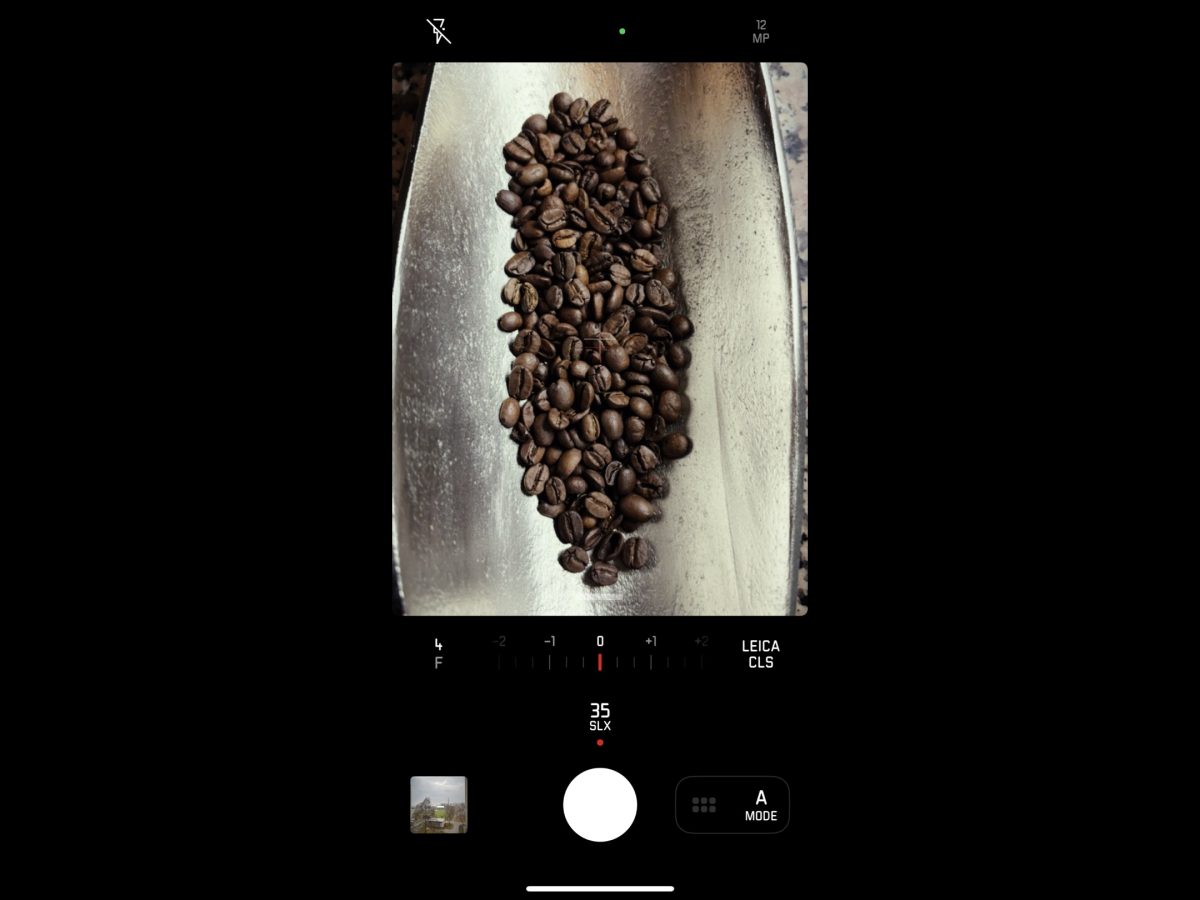
Tried the Leica LUX app recently: a must-have for Leica camera fans 📸
It lets you shoot in the iconic Leica style using just your iPhone camera. The integration of app with iOS is seamless, and it can easily replace the native Camera app (except for video).
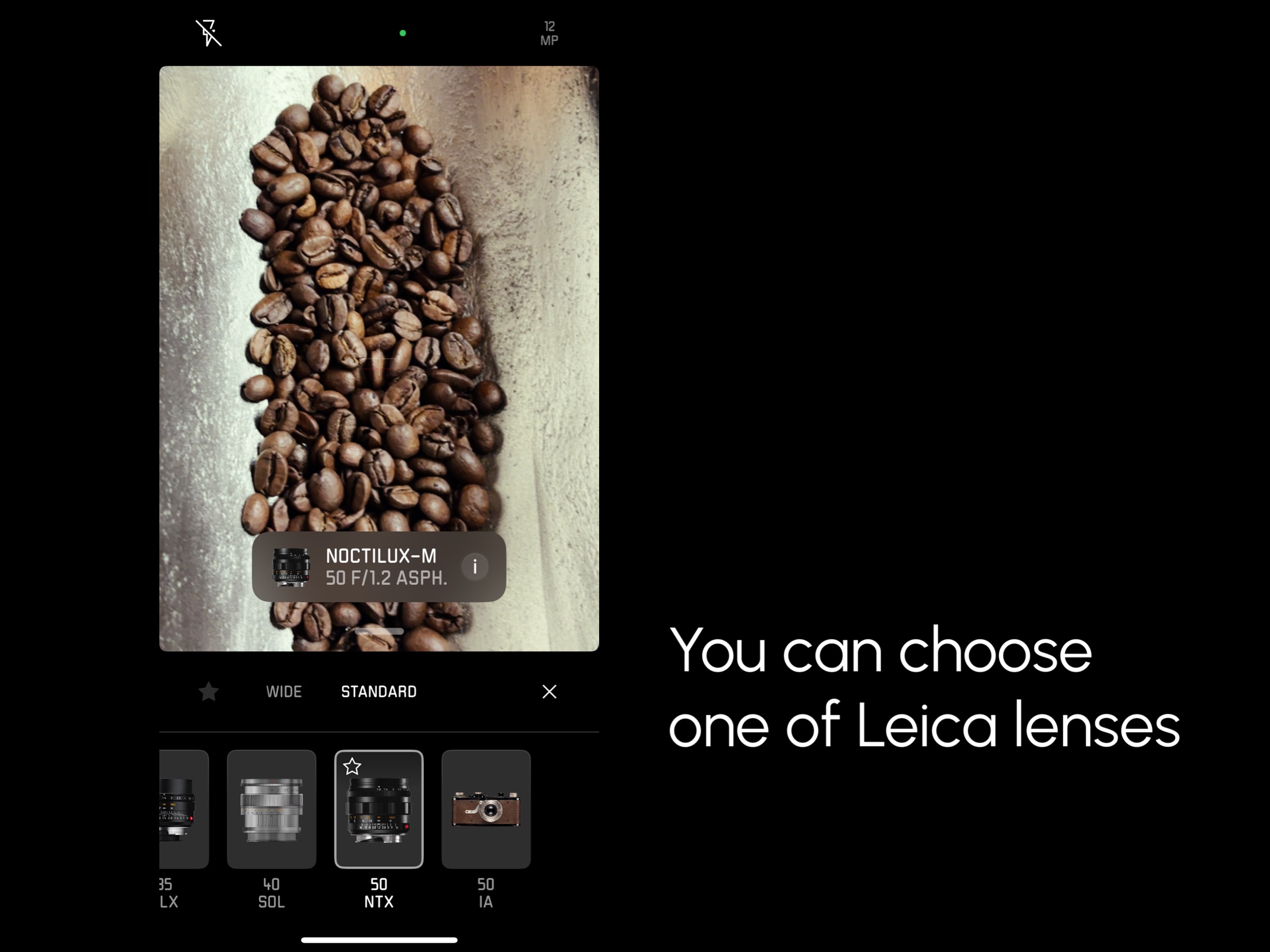
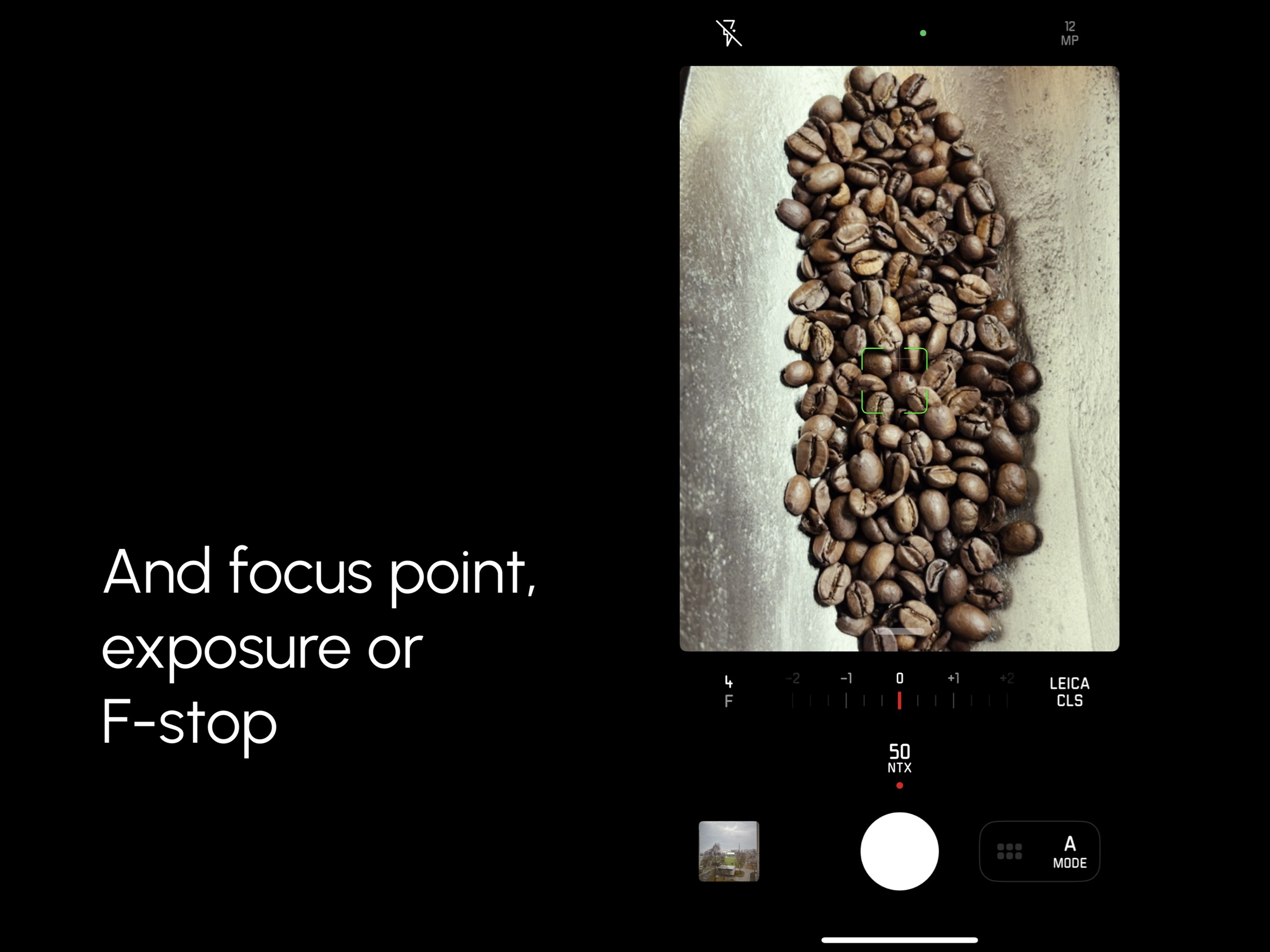
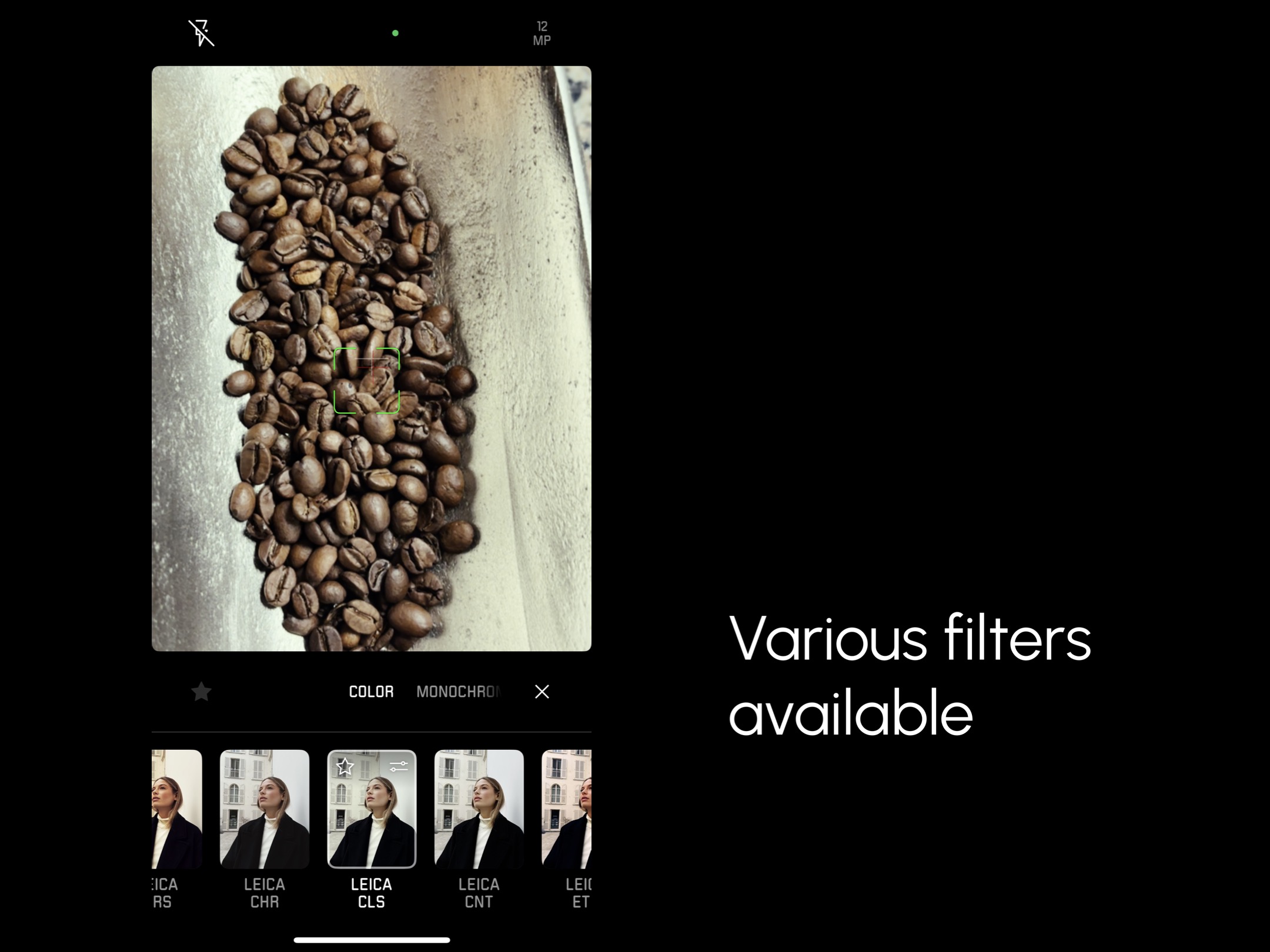
You can shoot in RAW, HEIF or JPEG formats, and there are handy overlays like a Histogram, Grid, Level and Focus Peaking. While shooting, you can choose a focus point (just like in the default Camera app), adjust F-stop and exposure, or select a filter and a Leica “lens” to get that signature Leica look.
After shooting, you can edit your photos anytime in the app’s gallery: tweak the F-stop, exposure, or even change the lens or filter to refine the mood.
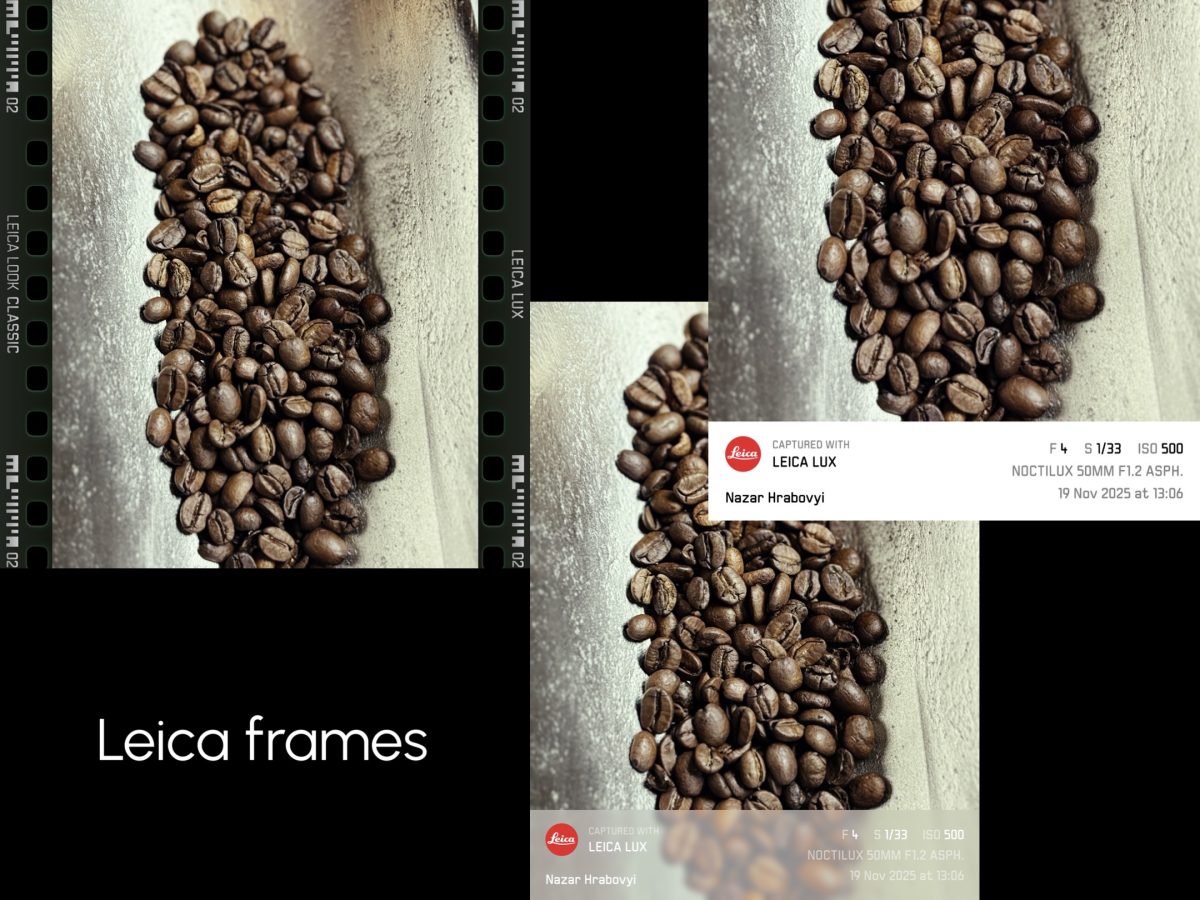
When exporting, you can add one of the frames with EXIF data and the Leica logo, but personally, I don’t see the point in distracting from the image with extra graphic elements.
Still, the app has a few сons:
• Overall performance is fine, but switching between the main, wide, or telephoto lenses has a noticeable delay (enough time to take a sip of espresso). In the native Camera app, it happens much faster.
• Leica LUX doesn’t improve the actual image quality of the iPhone camera, it simply applies stylish brand filters. So for truly high-quality photography, a real camera is still essential.
• When using Leica “lenses” effects you’re limited to 12 MP photos only.
• Framing and post-processing in the app are quite inconvenient and limited, you’ll need an external photo editor. Even the built-in editor in the iPhone’s Gallery app offers more options.
And all of this comes with a $7 per month subscription. Whether it’s worth the price is up to you.
Download Leica LUX app.

Proudly showing off my visit to the Leica store in Vienna.
I would be grateful if you would support me by purchasing a photo pack in my store.